TL;DR
- Midjourney has the lowest setup friction: type a prompt, get four polished variations in under a minute, no GPU required
- FLUX leads the group on prompt adherence and text rendering, available via hosted APIs and open-weight local deployments
- Stable Diffusion 3.5 offers the deepest customization and full local control, but demands the steepest setup effort of the three
- Commercial licensing differs across all three tools and across plan tiers; confirm your usage rights before handing deliverables to a client
- A practical starting path: Midjourney for moodboards and concept exploration, FLUX for text-heavy poster and social work, SD 3.5 when you need repeatable, fine-tuned outputs
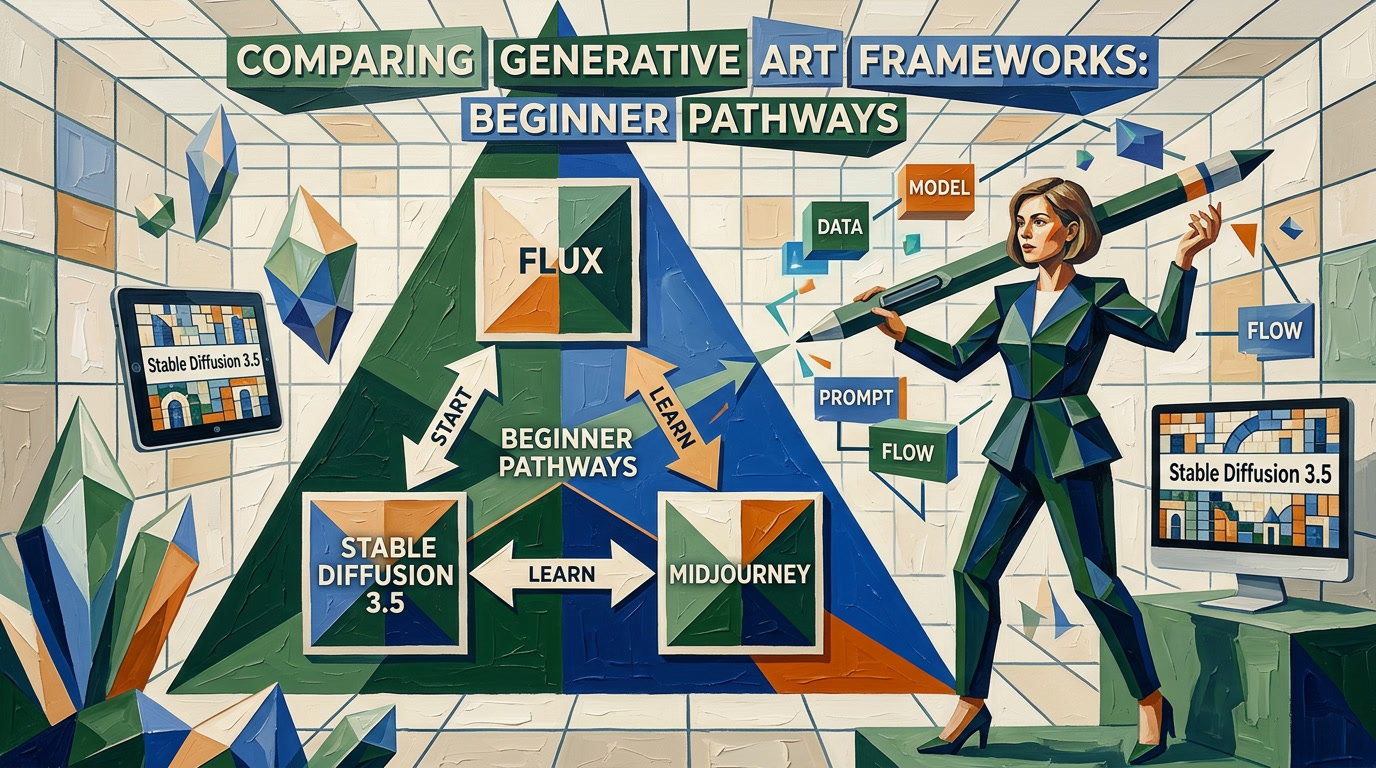
Picking between Flux vs Stable Diffusion 3.5 vs Midjourney is one of the first real forks in the road for any designer adding AI image generation to a workflow in 2026. Each tool sits at a different point on the instant-polish-to-deep-control spectrum, and the wrong pick costs real time and money. This guide matches each tool to a specific designer profile based on setup complexity, image quality, typography capability, licensing, and cost.
Which AI Image Generator Gives a Beginner the Fastest Useful Result?
Midjourney delivers the fastest path from zero to polished image. Sign up, type a prompt in the web app or Discord bot, and four styled variations appear in under a minute, with no GPU, no config files, and no model weights to download. FLUX is a close second on prompt accuracy but requires choosing and configuring an interface before any images appear. Stable Diffusion 3.5 demands the most setup before a single generation runs.
Black Forest Labs built FLUX, an open-weight image generation model that emphasizes precise prompt adherence and accurate text rendering inside images. Stability AI announced Stable Diffusion 3.5 in three variants: Medium, Large, and Large Turbo, with Medium built to run on consumer-grade GPUs. Midjourney is a closed, subscription-based service that wraps a proprietary model behind a web app and Discord bot, with no local-use option.
| Feature | FLUX | Stable Diffusion 3.5 | Midjourney |
|---|---|---|---|
| Interface options | API, ComfyUI, hosted web apps | ComfyUI, AUTOMATIC1111, local Python | Web app, Discord bot |
| First-use friction | Moderate (choose and wire up an interface) | High (model download, config, GPU required) | Very low (sign up and type) |
| Prompt adherence | Very high; follows spatial and descriptive detail closely | High; responds well to negative prompts and LoRA weights | Good, but model has a strong aesthetic bias that can override specifics |
| Text in images | Strong; short phrases render reliably | Moderate; short words work, multi-word strings often break | Moderate; improved in recent versions but still unreliable on longer strings |
| Local or offline use | Yes, open-weight and self-hostable | Yes, designed for local deployment | No, cloud only |
| Customization depth | Medium; ControlNet and sampler options, some LoRA support | Deepest; full LoRA fine-tuning and local model control | Low; limited to style flags and parameter settings |
| Commercial use | Varies by model variant; review the specific license file | Varies by variant; check Stability AI terms per model | Permitted on paid plans per Midjourney’s terms of service |
| Approximate entry cost | Free API trials; then usage-based pricing | Free to run locally; hardware or cloud GPU cost applies | Paid subscription; free tier is limited or unavailable depending on plan updates |
How Easy Is Each Tool to Set Up and Learn?
Setup difficulty is the single biggest variable separating Midjourney, FLUX, and Stable Diffusion 3.5 for a beginner. Midjourney needs a browser and an account. FLUX needs an interface decision. Stable Diffusion 3.5 needs a capable GPU, Python dependencies, and patience.
Midjourney is the easiest to set up. The official Midjourney documentation walks through the web app and Discord workflows: generate, upscale, create variations, zoom out, and use image references without touching a single setting beyond the prompt itself. Parameter flags like --ar for aspect ratio and --style are optional extras you learn gradually. Many designers produce client-ready concepts without ever leaving the defaults.
FLUX sits in a more flexible middle ground. FLUX open-weight models can be accessed through hosted services built on top of the Black Forest Labs API, which removes the need for local hardware. Running FLUX locally via ComfyUI, a node-based workflow builder, gives granular control over samplers, guidance scale, and ControlNet inputs, but the interface is not intuitive for beginners. A practical starting point is a hosted FLUX API wrapper where you trade some control for a usable UI. Licensing terms vary across FLUX model variants, so always check the relevant model license file before commercial use.
Stable Diffusion 3.5 Medium is designed for consumer-grade GPUs; check the Stability AI model card for current VRAM requirements, which vary by precision setting and batch size. SD 3.5 Large needs considerably more memory and compute. Beyond the hardware, you need to download checkpoint files, install inference libraries, and configure a local UI. For designers comfortable with terminal commands and Python environments, Stable Diffusion 3.5 is an afternoon project. For complete beginners, Stable Diffusion 3.5 is a weekend project with a non-trivial chance of troubleshooting.


How Do Image Quality, Style, and Prompt Accuracy Compare: FLUX vs Stable Diffusion 3.5 vs Midjourney?
All three tools produce high-quality images in 2026. The differences are less about raw pixel fidelity and more about how each model interprets your prompt and what aesthetic it defaults to.
Midjourney produces images with a distinct, recognizable visual signature: rich tonal contrast, expressive lighting, and a cinematic quality that often looks better than what a prompt strictly asked for. Midjourney’s aesthetic strength suits concept exploration and moodboards where every output should look presentation-ready. Midjourney becomes a limitation when a client needs a scene that matches a specific spatial brief, because Midjourney’s model typically steers toward its aesthetic interpretation rather than strict description.
FLUX prioritizes fidelity to the prompt over stylistic embellishment. Ask FLUX for a red wooden chair against a white wall with one window on the left and soft afternoon light, and FLUX will typically place those elements where specified. FLUX is useful for product mockups, architectural moodboards, and any brief where the client cares about specific compositional elements. Some hosted FLUX platforms also expose image editing and reference-image input capabilities; check the documentation for the specific service you use to confirm which FLUX features it supports.
Stable Diffusion 3.5 is competitive on photorealism, particularly at the Large variant. Stable Diffusion 3.5’s main quality advantage over FLUX and Midjourney is adaptability: LoRA fine-tuning lets you train Stable Diffusion 3.5 on a reference style, product, or character, so repeat generations stay visually consistent without reprompting tricks. For brand projects that need a consistent character across multiple scenes, a fine-tuned SD 3.5 workflow typically outperforms zero-shot prompting in Midjourney or FLUX.
Key Takeaways
- FLUX’s prompt adherence is most clearly documented as a differentiator for spatial accuracy and text placement, not general image quality
- Stable Diffusion 3.5 Medium targets consumer GPU use; verify your GPU’s VRAM against current Stability AI recommendations before downloading
- Midjourney commercial use rights apply to paid plan subscribers, but the exact scope of those rights should be checked in the current terms before client delivery
- LoRA fine-tuning in SD 3.5 is the most practical path to brand-consistent character outputs across multiple scenes
- The most common local interface for both FLUX and SD 3.5 is ComfyUI, a node-based builder with a steeper learning curve than any hosted alternative
Which Tool Wins for Typography, Posters, and Text-Heavy Design?
For legible text inside a generated image, FLUX is the practical pick among the three. Midjourney has improved text rendering in recent versions but still produces garbled or decorative letterforms on multi-word strings, especially at smaller sizes. Stable Diffusion 3.5 handles short single words reasonably well but loses consistency on phrases longer than four or five words.
For poster work where a headline needs to read at a glance, FLUX via a hosted API or a local ComfyUI setup is worth the extra configuration effort. FLUX tends to place letters in the correct positions and maintain consistent weight across a short phrase, which means less time repainting text in Photoshop afterward.
For purely visual work where type will always be set in Illustrator, the typography gap between FLUX, Midjourney, and Stable Diffusion 3.5 matters far less. In those cases, Midjourney’s stronger aesthetic instincts often produce a more compelling starting image for the layout, and the actual letterforms are irrelevant because they get replaced. The key question is how much of your final text lives inside the image versus on top of it.
Frequently Asked Questions
Which AI image generator should a beginner graphic designer choose in 2026?
Beginner graphic designers should start with Midjourney in 2026. Midjourney requires no local hardware, no model configuration, and no interface choices. Output quality is high enough for moodboards, concept presentations, and client proposals from day one. Once you understand how prompt writing works and what AI-generated images can and cannot do for your workflow, add FLUX for situations where prompt accuracy or readable text inside the image matters, and consider Stable Diffusion 3.5 when you are ready to invest in local model customization.
Is Midjourney easier to learn than FLUX and Stable Diffusion 3.5?
Yes, Midjourney is easier to learn than FLUX and Stable Diffusion 3.5 by a meaningful margin. Midjourney’s web app and Discord bot require nothing beyond a prompt and an account. FLUX requires an interface decision and, for local use, GPU setup and ComfyUI configuration. Stable Diffusion 3.5 adds model checkpoint downloads, Python dependency management, and hardware requirements on top of that. The learning curve for Midjourney is measured in hours; for FLUX it is typically days; for Stable Diffusion 3.5 locally it can be a week or more before you have a stable, repeatable workflow.
Which AI image generator handles text and typography inside generated images best?
FLUX is the most capable of the three tools at rendering legible text within an image. FLUX handles short phrases, such as a four-to-six-word headline on a poster or a product label, more reliably than either Midjourney or Stable Diffusion 3.5, which both tend to distort or stylize longer strings. For any design where the type in the generated image needs to be readable rather than decorative, FLUX is the strongest starting point, though even FLUX sometimes requires regeneration or touch-up for precise typographic control.
Can graphic designers use FLUX images commercially?
Commercial use of FLUX images depends on which FLUX model variant you used and how you accessed it. FLUX is an open-weight model family, and different variants carry different license terms published through the model repository. Some FLUX variants permit commercial use; others impose restrictions on redistribution or commercial applications. Before delivering any FLUX-generated asset to a client, check the specific license attached to the model version you used. The Black Forest Labs documentation and the Hugging Face license files for each variant are the authoritative sources for those terms.
Does Midjourney allow commercial use of generated images?
Midjourney permits commercial use of generated images for subscribers on paid plans, but the scope and conditions of those rights have changed across plan versions. Free-tier or trial access typically carries more restrictive terms. The clearest guidance comes from the official Midjourney documentation and the current terms of service, which should be checked before each client project. Plan carefully if your client operates in a sector with additional content restrictions, such as healthcare or finance, since Midjourney’s terms address image content but not downstream regulatory requirements.