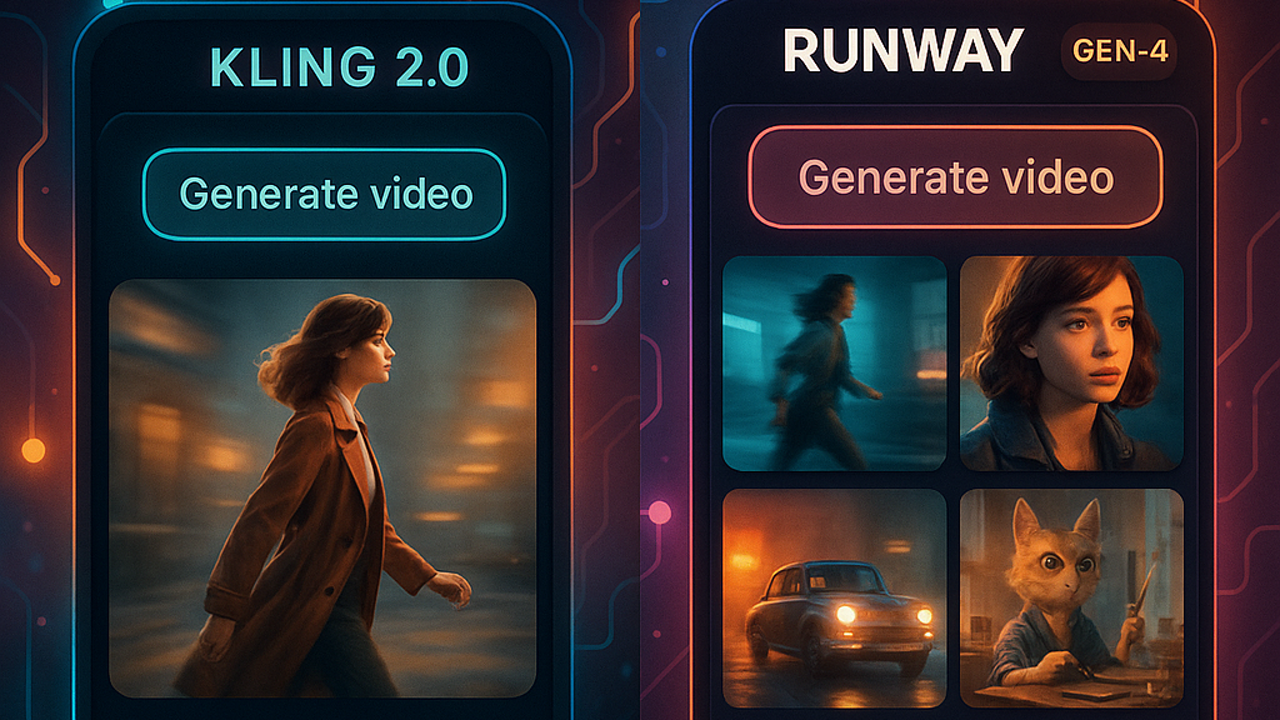
TLDR: Kling 2.0 and Runway Gen-4 are leading AI video generators in 2026. Both tools transform text and image inputs into dynamic video content, but they differ significantly in capabilities, pricing, and target users. This comparison examines key factors to help you choose the right platform for your video projects.
Overview of Kling 2.0 and Runway Gen-4
AI video generation has evolved rapidly in 2025. Kling 2.0 and Runway Gen-4 represent the current state of commercial-grade video creation tools. Both platforms offer impressive results, but they take different approaches to video generation, making each suitable for specific use cases and budgets.
Kling 2.0 excels at cinematic video quality and smooth motion. Runway Gen-4 provides more creative control and faster iteration speeds. Understanding these distinctions helps designers and content creators select the platform that matches their workflow priorities.
Video Quality Comparison
Video quality varies significantly between the two platforms. Independent tests and user reviews reveal clear patterns in their strengths and weaknesses.
Resolution and Detail
Kling 2.0 produces higher resolution videos with better fine details. The platform consistently generates sharp visuals with realistic textures and smooth transitions. Waver AI and other video generation tools often struggle with maintaining quality at higher resolutions, but Kling 2.0 maintains impressive clarity even at 1080p and beyond.
Runway Gen-4 also delivers high-quality output, but with slightly different characteristics. The platform prioritizes creative interpretation over pure resolution. Videos often have a slightly stylized appearance that works well for marketing and social content but may require adjustment for technical or product demonstrations where realism is paramount.
Motion and Animation Quality
This is where Kling 2.0 truly shines. The platform generates smooth, natural motion that feels professionally animated. Complex movements like camera pans, character walks, and hand gestures appear fluid rather than jerky or unnatural. This makes Kling 2.0 particularly suitable for narrative content, character showcases, and storytelling applications.
Runway Gen-4 produces quality motion but with different strengths. The platform excels at rapid iteration and creative transitions between shots. Motion tends to be energetic and dynamic, which works exceptionally well for social media, advertisements, and content where quick engagement is the priority. However, some users report that motion can appear slightly exaggerated for realistic or documentary-style content.
Consistency and Coherence
Both platforms maintain strong coherence within scenes. Characters stay consistent across shots, and environments remain stable. However, Kling 2.0 demonstrates better long-form coherence for extended videos. The platform can maintain narrative continuity over multiple minutes without the visual drift that sometimes affects other AI video generators.
Runway Gen-4 handles shorter-form content exceptionally well. For 15-30 second clips designed for social platforms, Runway Gen-4 delivers consistent quality and style. Longer videos may occasionally show minor inconsistencies or require more careful prompting to maintain visual coherence throughout.
Features and Capabilities
Beyond raw video quality, each platform offers unique features that influence workflow efficiency and creative possibilities.
Generation Speed and Iteration
Runway Gen-4 significantly outperforms Kling 2.0 in generation speed. The platform can produce multiple video variations in seconds, making it ideal for rapid prototyping, A/B testing, and scenarios where you need to explore many creative directions quickly. This speed advantage makes Runway Gen-4 excellent for client presentations, pitch decks, and early-stage concept development.
Kling 2.0 generates videos more slowly, typically taking 1-3 minutes per clip depending on complexity. This slower pace can be frustrating when working under tight deadlines. However, many users find that the additional wait time results in higher quality that requires less post-production refinement. If your project allows for longer generation times, Kling 2.0 may actually save overall project duration by reducing editing work.
Prompting and Control
Runway Gen-4 offers more sophisticated prompting options. The platform supports complex multi-step prompts, camera movement controls, and detailed style instructions. This granularity gives creators precise control over final output and enables more predictable results. For advanced users who know exactly what they want, Runway Gen-4’s prompting capabilities reduce trial-and-error iterations.
Kling 2.0 takes a more straightforward approach to prompting. Natural language instructions work well for general requests, but the platform offers fewer granular controls. This simplicity makes Kling 2.0 more approachable for beginners and users who prefer to describe their vision in plain language rather than technical parameters. However, achieving specific complex effects sometimes requires more iterative experimentation.
Video Length Limits
Runway Gen-4 supports longer videos, with clips extending up to 18 seconds on paid plans. This makes the platform suitable for advertisements, product demonstrations, and narrative content where extended duration is necessary. The additional runtime is justified by the creative control and narrative possibilities that longer formats enable.
Kling 2.0 typically generates shorter clips, usually under 10 seconds. While this works perfectly for social media and character animations, it limits utility for commercial applications that require extended storytelling or detailed product showcases. Users needing longer videos must stitch together multiple Kling 2.0 generations or use alternative tools.
Editing and Post-Production
Both platforms integrate with popular video editing workflows, but Runway Gen-4 provides more native editing capabilities. The platform allows in-video timeline editing, clip extension, and frame-by-frame adjustments without requiring export to external software. This workflow integration saves time and maintains quality by avoiding recompression artifacts from round-tripping through multiple tools.
Kling 2.0 generates videos that require standard post-production work. While outputs are high quality, they may need color grading, additional effects, or minor timing adjustments in external editors. This extra step can extend project timelines, though some users appreciate the cleaner, final results that come directly from Kling 2.0 with minimal intervention needed.
Pricing and Accessibility
Cost structures differ significantly between the platforms, influencing which tool makes sense for different budgets and usage patterns.
Free vs Paid Tiers
Both Kling 2.0 and Runway Gen-4 offer free access with limitations. Free users can generate a limited number of videos daily or weekly, subject to queue times during peak usage. This access model allows experimentation and evaluation before committing to paid plans.
Paid tiers on both platforms unlock additional features. Runway Gen-4 provides faster generation, higher limits, and priority processing during busy periods. Kling 2.0 paid tiers typically offer longer video lengths, higher resolution options, and commercial usage rights. Creators should evaluate their monthly volume and feature needs when deciding between free and paid access.
Enterprise and Team Features
Runway Gen-4 offers more developed team collaboration features. Shared workspaces, team libraries, and centralized billing make it easier for design agencies and production companies to manage multiple users and projects. The platform supports role-based permissions and usage tracking across team members.
Kling 2.0 has more individual-focused features. While team accounts exist, the collaboration tools are less developed. Most workflows assume a single creator account rather than multiple contributors working simultaneously. For solo designers and freelancers, this limitation may not impact work, but teams should consider whether Runway Gen-4’s collaboration features justify the potential learning curve.
API and Integration
Both platforms offer API access for developers and automation workflows. Runway Gen-4 provides more comprehensive documentation and SDK support, making it easier to integrate into custom applications and build tools around the video generation capability. The API includes webhooks, batch processing, and advanced prompt management features.
Kling 2.0 also offers API access, but with simpler endpoints focused on core generation functionality. For basic integration projects, this simplicity is advantageous. Developers needing fine-grained control over generation parameters or complex workflow automation may find Runway Gen-4’s more extensive API documentation better suited to their needs.
Use Cases and Recommendations
Different projects and workflows benefit from different platform strengths. Understanding your specific requirements helps select between Kling 2.0 and Runway Gen-4.
When to Choose Kling 2.0
Kling 2.0 is ideal for projects prioritizing cinematic quality and natural motion. Use it for character animations, narrative content, and applications where smooth realistic movement is essential. The platform excels at creating content that feels professionally produced without requiring extensive post-production polishing.
Choose Kling 2.0 when you need consistent long-form coherence, high-resolution details, and realistic textures. It works particularly well for storytelling videos, product showcases requiring photorealistic quality, and character-based content spanning multiple minutes.
When to Choose Runway Gen-4
Runway Gen-4 excels at rapid iteration and creative exploration. Use it for prototyping concepts, social media content, and situations where you need to generate multiple variations quickly. The platform’s speed and creative controls make it perfect for A/B testing different visual approaches and exploring creative directions efficiently.
When to Consider Other Tools
While this comparison focuses on Kling 2.0 and Runway Gen-4, the AI video generation landscape includes other options worth considering. ViMax, Pika, and emerging tools offer different feature sets that may better match specific project requirements. Evaluate multiple platforms before committing to long-term workflows.
For specialized needs like extreme control over every generation parameter or integration with specific production pipelines, custom solutions or alternative platforms may provide better value than general-purpose tools. Research emerging options and stay informed about rapid developments in AI video generation technology.
Key Considerations for 2026
The AI video generation landscape continues evolving rapidly. Both Kling 2.0 and Runway Gen-4 are actively improving their models and adding new features. When selecting a platform, consider not just current capabilities but also roadmap, community support, and long-term viability.
Start with free tiers to evaluate which platform matches your workflow. Test both tools with representative projects before scaling to paid access. Many creators find that their ideal choice emerges only after hands-on experimentation with real projects.
Both Kling 2.0 and Runway Gen-4 represent excellent options for AI video generation in 2026. The right choice depends on your specific priorities for quality, speed, creative control, and budget. Understanding these differences helps you make an informed decision that supports your creative goals.
Frequently Asked Questions
Which produces better video quality, Kling 2.0 or Runway Gen-4?
Kling 2.0 generally produces higher resolution videos with better fine details and smoother motion. However, quality differences are often subtle and depend on specific use cases. Runway Gen-4 delivers impressive quality with a slightly more stylized aesthetic. For cinematic and realistic content, Kling 2.0 typically has the advantage. For creative and social media content, both platforms produce professional results.
Which is faster, Kling 2.0 or Runway Gen-4?
Runway Gen-4 is significantly faster, generating multiple video variations in seconds versus the 1-3 minutes typical for Kling 2.0. This speed advantage makes Runway Gen-4 ideal for rapid prototyping, client presentations, and scenarios requiring many creative iterations. However, Kling 2.0’s slower generation often results in higher quality that requires less editing work.
Can I use both platforms for free?
Both Kling 2.0 and Runway Gen-4 offer free access with limitations. Free tiers typically restrict the number of videos you can generate per day or week, and may include queue times during peak usage. This allows you to test both platforms without financial commitment. Evaluate whether free access meets your needs or if paid features like higher limits or priority processing are necessary for your workflow.
Which platform has better prompting, Kling 2.0 or Runway Gen-4?
Runway Gen-4 offers more sophisticated prompting options with granular controls over camera movement, style, and generation parameters. This makes it better for advanced users who need precise control and want predictable results. Kling 2.0 uses simpler natural language prompting that works well for general requests but may require more iteration for complex or specific effects. Beginners often find Kling 2.0 more approachable, while power users appreciate Runway Gen-4’s control depth.
What video length limits do Kling 2.0 and Runway Gen-4 have?
Runway Gen-4 supports longer videos up to 18 seconds on paid plans, making it suitable for extended content like advertisements and product demonstrations. Kling 2.0 typically generates shorter clips under 10 seconds, which works well for social media and character animations but limits utility for longer commercial narratives. Both platforms offer options to extend or combine clips when longer durations are needed.
Are Kling 2.0 and Runway Gen-4 suitable for commercial use?
Both platforms support commercial usage through their paid tiers. Paid plans typically include commercial usage rights, higher generation limits, and removal of watermarks. Review each platform’s terms of service to understand specific commercial permissions and licensing requirements. Free access is suitable for experimentation and evaluation, but commercial production typically requires paid access to comply with usage terms and access necessary features.
How do the APIs compare?
Runway Gen-4 provides more comprehensive API documentation with advanced features like webhooks, batch processing, and team management. This makes it better for complex integrations and enterprise workflows. Kling 2.0 offers simpler API endpoints focused on core generation functionality. For basic projects, Kling 2.0’s straightforward API may be sufficient. For extensive automation and custom tool development, Runway Gen-4’s extensive documentation provides better support and flexibility.
Which platform should I choose for social media content?
Runway Gen-4 is often better suited for social media due to its speed and creative style. The platform’s ability to generate many variations quickly supports A/B testing different visual approaches. The energetic, stylized motion works well for social platforms where engagement and visual appeal are priorities. However, if you need realistic cinematic quality for brand content, Kling 2.0 may produce better results that align with premium brand aesthetics.
Can I integrate these tools with existing video editing workflows?
Both platforms offer API access that enables integration with video editing software. Runway Gen-4 provides more native editing capabilities with in-video timeline editing and clip extension. This can streamline workflows by reducing the need to export and re-import content through multiple tools. Kling 2.0 generates videos that work well with standard non-linear editors, though some post-production refinement may be needed. Consider your specific editing pipeline when choosing between platforms.